List, statuses and filters
Browse tasks and find what you need with search, status and author filters. Open the details to follow or update the work according to your access.

Bring work together in a list with statuses, filters, comments and history. ARHOCH Todo keeps the context of each task accessible, so the next action does not depend on finding a scattered conversation.
 ARHOCH Todo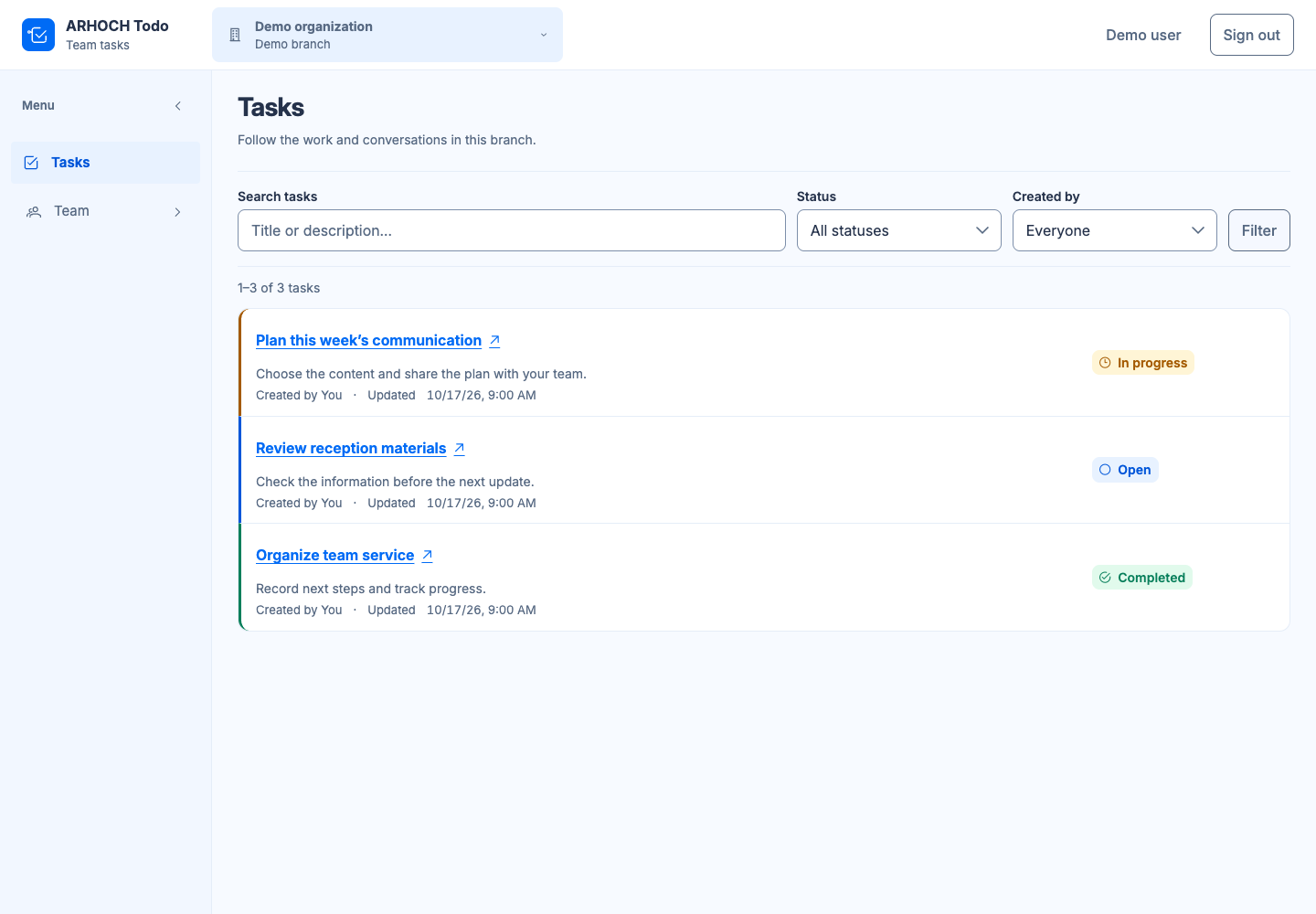
Todo is a task management application for teams. Each item brings together information about the work and lets people follow its progress. The team can browse the list, open details and add comments, while the history retains the context of changes. Identity and access are shared through IAM.
Browse tasks and find what you need with search, status and author filters. Open the details to follow or update the work according to your access.
Record observations alongside the item they concern. Context stays close to the work, making it available for the authorized team to consult.
Consult the changes recorded for a task to understand its progress. The history complements its current status and the comments from people involved in the operation.
Create a task with a clear title and the context people need. Separate different topics so each item represents an understandable action.
Update the status as work moves forward and use comments to record relevant information. Use filters to find the items you need now.
Open details and history when you need to understand a change. Review the task list with your team and define the next steps.
Organize the preparation of copy, images and reviews for internal communication. Publishing that content to screens remains the responsibility of ARHOCH TV.
Record reception team actions, such as reviewing guidance or preparing materials. Queues and service tickets continue to be organized through SGA.
Keep tasks in their organization and branch context. Access shared through IAM helps you structure how people participate in the team’s work.
Yes. The list provides search, status and author filters. You can open a task’s details from its title and consult information or perform the actions allowed by your access.
Yes. Comments belong to the task context and complement its information. Together with change history, they help people revisit decisions and understand how the work evolved, beyond its current status alone.
No. Each product has its own function, and Todo maintains its own tasks and rules. IAM supplies shared identity, context and permissions. You can start by organizing work and consider the other products as your needs develop.
Explore ARHOCH TV for screen communication and SGA for queues and service, with each product focused on its own function.
Tell us how your business works. Start with what you need to organize.

