Queues, services and priorities
Define the services you provide and the priorities of your operation. Organize tickets by service context so your team can follow the queue at each location.

Organize arrival, waiting and service with services, tickets, priorities and desks. ARHOCH SGA gives your team a view of operations and connects ticket calls to the screens configured in ARHOCH TV.
 ARHOCH SGA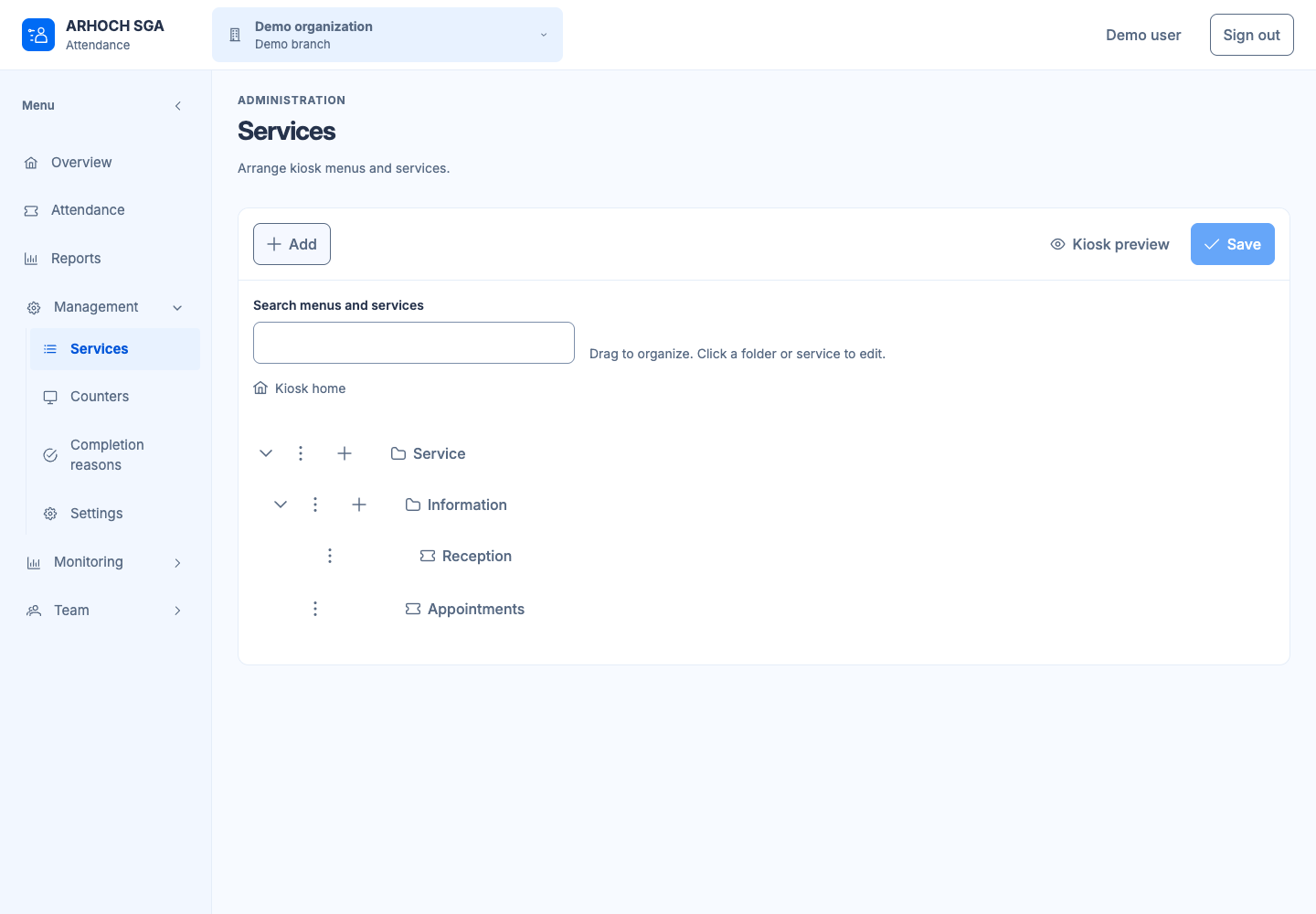
A queue management system organizes the journey from a person’s arrival to the service they receive. In SGA, services and desks give the queue a structure, while tickets and calls guide that journey. Supervision and reports help the team follow what happens at each location.
Define the services you provide and the priorities of your operation. Organize tickets by service context so your team can follow the queue at each location.
Organize service desks and send ticket calls to linked screens. The SGA–TV integration combines directions for service with the information displayed in your reception area.
Follow service activity and consult reports to understand everyday operations. Access to the information follows the permissions configured for the organization and branch.
Define available services, priorities and desks. Consider how people arrive and identify the type of service they need from your team.
Configure access and the devices at your location. If you use TV calls, check which screens should receive each type of call.
Check ticket issuance, waiting, calling and service with your team. Use supervision and reports to follow the operation as part of your routine.
Organize waiting by service and priority, with calls displayed on reception screens according to the configuration defined for that setting.
Structure in-person service when several services share one space and the team needs to keep track of the sequence of tickets.
Organize operations by organization and branch, with appropriate access for the team and services configured around each location’s service context.
Yes. SGA sends calls to screens configured in ARHOCH TV. The same location can display informative content and guide people to service. The recipients of those calls are defined in the integration settings.
Yes. Identity, organization, branch and permissions are shared through IAM. SGA maintains the service data and rules for each context, allowing you to organize your team’s work around each location.
Equipment and ticket issuance formats are defined for each project. A software feature does not establish compatibility with every printer or kiosk. The combination of hardware, connectivity and operations needs validation before use.
See how ARHOCH TV presents calls and how Todo can organize the tasks of the team responsible for service.
Tell us how your business works. Start with what you need to organize.

