Media and playlists
Bring images and videos together, organize their playback order and prepare playlists for different company topics. Your content is available to build a screen schedule.

Organize images, videos and announcements on screens in reception areas, shared spaces and stores. ARHOCH TV brings content, playlists, scheduling and devices together so each location can have a planned communication experience.
 ARHOCH TV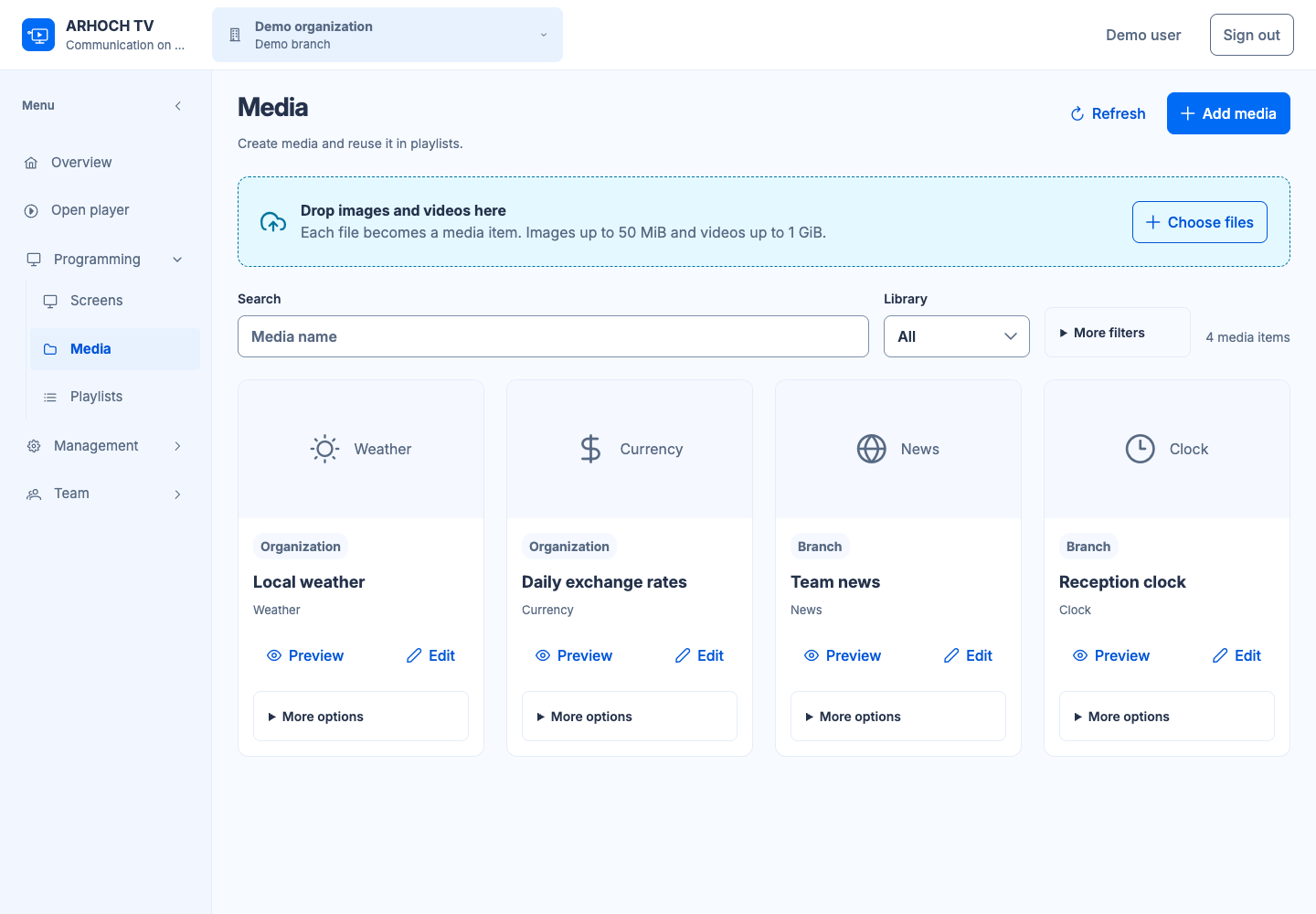
Corporate TV uses screens to share company information with employees and visitors. Sometimes used as a digital notice board, it can combine campaigns, announcements and informative content. With ARHOCH TV, you prepare material in the management panel and organize playback on configured devices.
Bring images and videos together, organize their playback order and prepare playlists for different company topics. Your content is available to build a screen schedule.
Define how content appears and when it is scheduled. Use layouts to organize screen areas around your message and the setting where it will be shown.
Manage devices from the panel and organize operations by organization and branch. Team access follows the permissions shared through IAM across the ARHOCH applications.
Choose your audience, screen placement and the information that needs to be visible there. Gather the material for your first schedule.
Add media, organize playlists and configure the layout. Check that people can read the message from their actual viewing distance.
Set up the player on a compatible device and check playback on the screen. Validate the network, media formats and content updates.
Show announcements and campaigns in the spaces your team uses, with content scheduled around the everyday activities of each business location.
Combine informative content with SGA ticket calls on configured screens. Reception screens can guide people as they wait and display service information.
Organize campaigns and product images on store screens, with content prepared for the context and physical placement of each display.
Previously prepared local content may continue playing, depending on its validity and the device’s available storage. Updates and external sources require connectivity. Operation needs to be validated with the network and equipment in your setting.
Yes. Integration with ARHOCH SGA sends calls to configured screens alongside the setting’s communication content. Recipient settings and device behavior need to be checked during deployment.
Describe your locations, communication goals and available equipment. This provides a basis for defining content, devices and access. Scope and commercial terms are discussed according to the needs of your project.
Explore SGA for service ticket calls and Todo for organizing the work of the team preparing your communication.
Tell us how your business works. Start with what you need to organize.

